HGV Time Pilot
Login

Driver gear

Verified tachograph card readers

When it comes to downloading your driver-card data, compatibility isn't optional — it's critical. Every device on this page has been tested with HGV Time Pilot. No guesswork. No wasted money.

Affiliate disclosure: some links on this page are Amazon affiliate links — we may earn a small commission if you buy through them, at no extra cost to you. We only recommend gear we'd use ourselves.

Untested readers will let you down

  • Failed card detection mid-download
  • Android USB-permission prompts that never trigger
  • Corrupted or incomplete .DDD / .V1B files
  • Hours of layby debugging when you should be off shift

A verified reader gives you

  • Instant device recognition on Android
  • Reliable tachograph card downloads
  • Full compatibility with the HGV Time Pilot pipeline
  • Peace of mind every time you plug in

Verified & tested readers

Each of these has been physically tested with HGV Time Pilot — correct device permissions, real card data downloaded, across different Android phones.

Verified

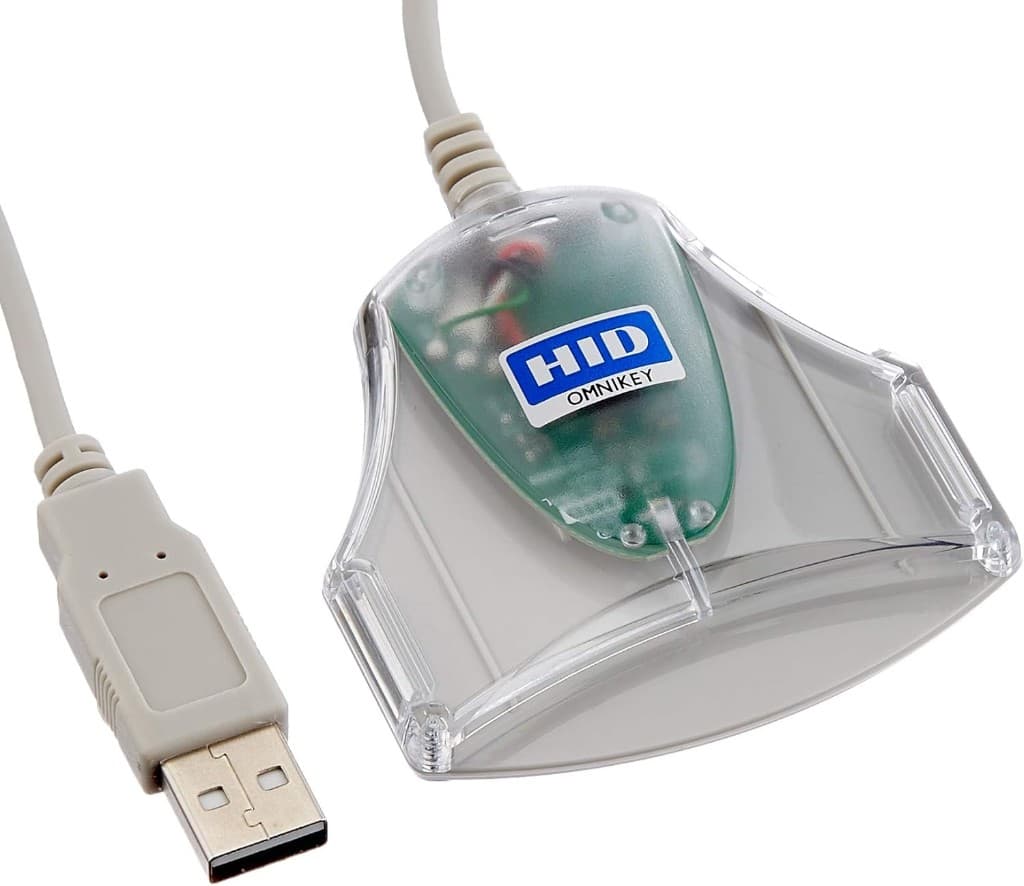
HID OMNIKEY 3021

A solid, no-nonsense USB smart-card reader widely used across the haulage industry. Fast card detection and proven stability with HGV Time Pilot. Pairs with a USB-A → USB-C adapter for modern Android phones.

Best for: Drivers who want a dependable, straightforward setup.

View on Amazon
Verified

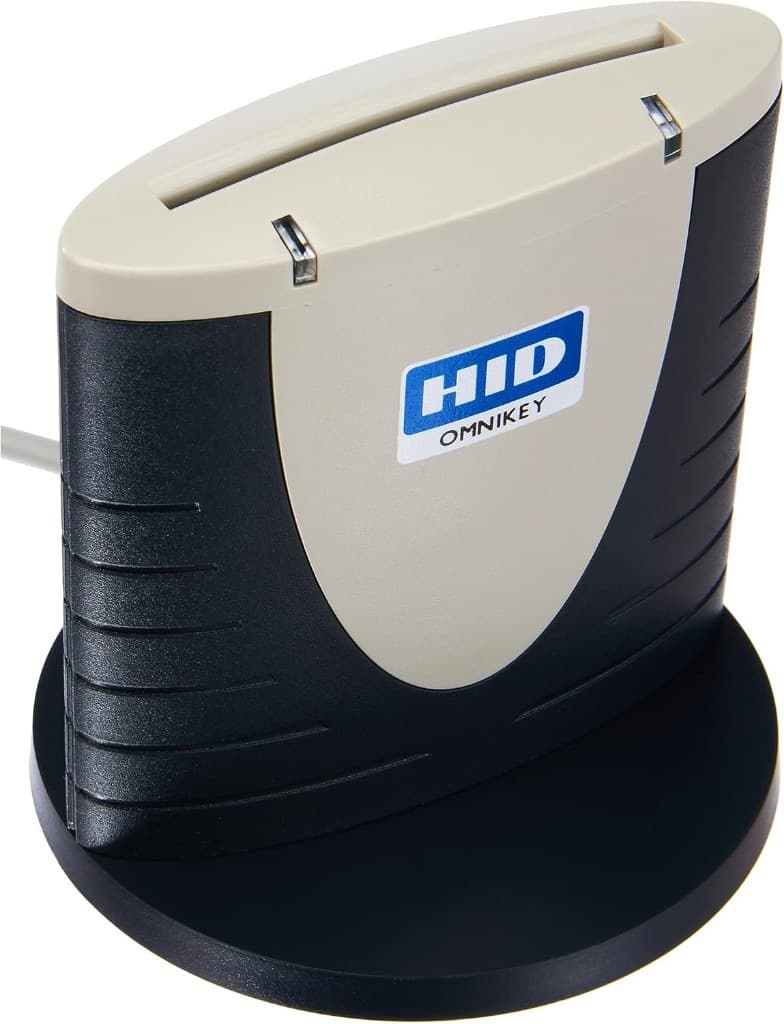
HID OMNIKEY 3121

One of the most popular USB smart-card readers on the market. Strong build quality for daily use and consistent performance during repeated downloads.

Best for: Drivers who download their card regularly and want something battle-tested.

View on Amazon
Verified

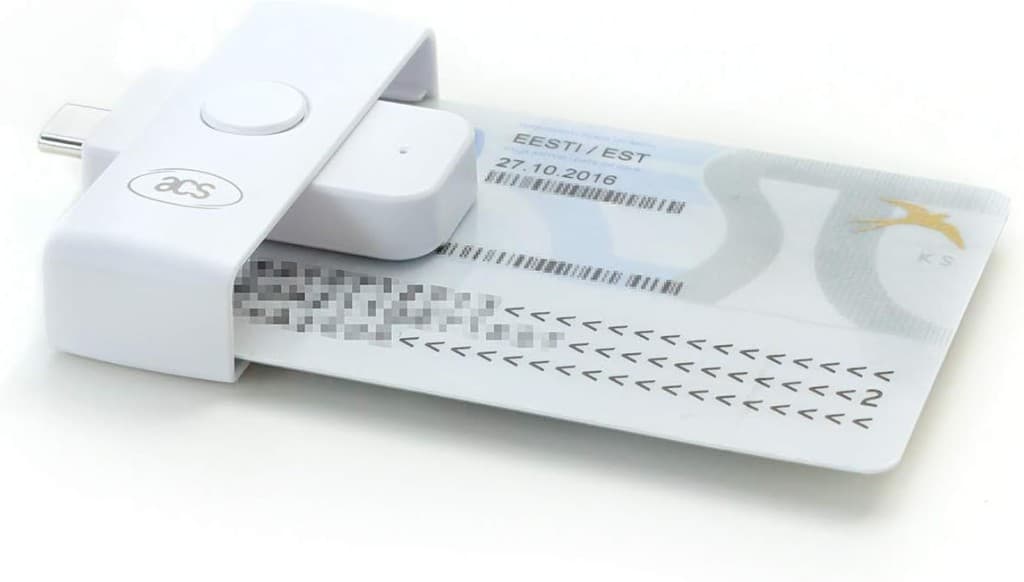
ACS ACR39-NF (USB-C)

A compact, modern USB-C reader with great mobile compatibility. Lightweight and travel-ready — no adapter needed on most current Android phones.

Best for: Drivers who want a mobile-friendly, plug-straight-into-the-phone option.

View on Amazon

USB & OTG adapters

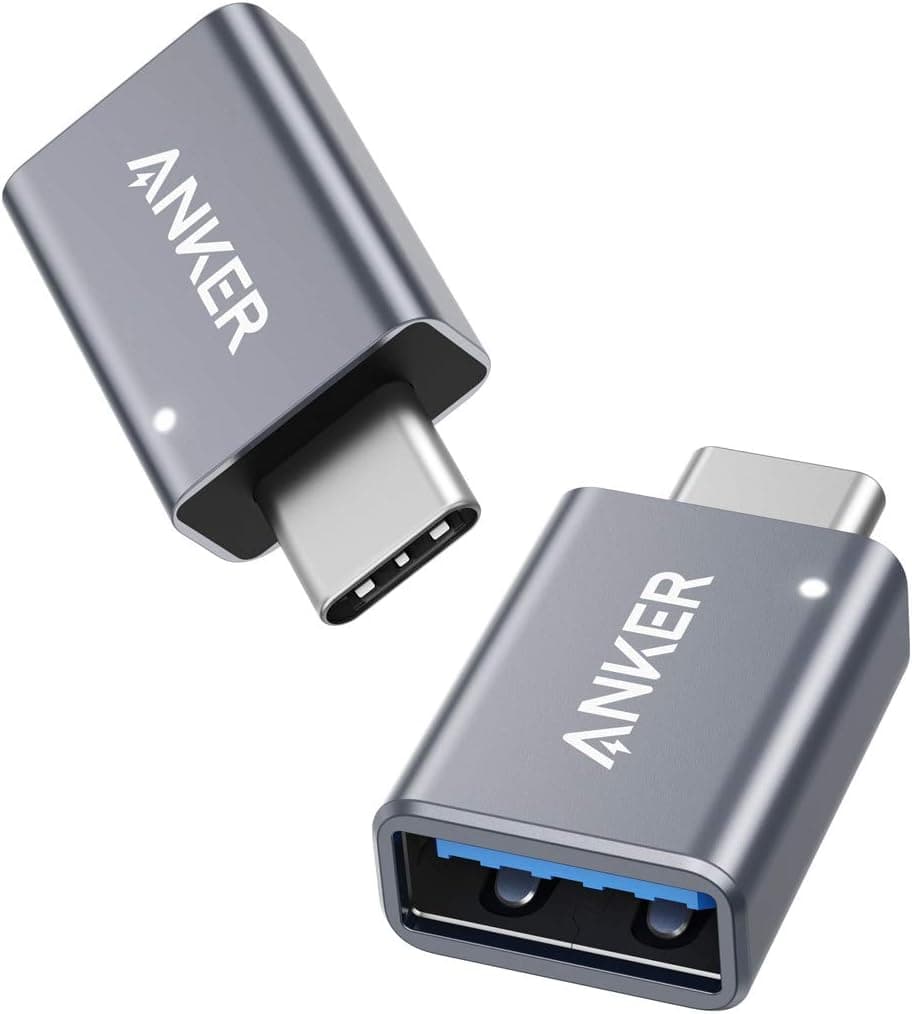
If you're using a USB-A reader on a modern USB-C phone, the adapter quality matters more than people expect.

USB-A → USB-C adapter

A short, decent-quality USB-A to USB-C adapter for plugging legacy USB-A readers into modern Android phones. Stick to known-good brands — the cheapest no-name adapters are a common cause of failed reads.

View on Amazon

How we verify a reader

A short, repeatable process so a "verified" badge actually means something.

  1. 1

    Plug into multiple Android devices via USB-OTG (USB-C and USB-A test rigs).

  2. 2

    Confirm Android USB-permission dialog triggers without manual driver installs.

  3. 3

    Download a real driver card and ingest the file through the HGV Time Pilot pipeline.

  4. 4

    Verify the resulting timeline matches the card's known activity.

Pro tips

  • Use a high-quality USB-A → USB-C adapter if your phone doesn't have a USB-A port. Cheap adapters are the most common reason a verified reader stops working.
  • Avoid ultra-cheap, unbranded readers. Many appear to work (LED lights up) but never communicate with apps.
  • If your reader isn't on this list, it doesn't mean it won't work — but you're on your own. Tell us about it and we'll consider testing it.

Want us to test your reader?

We're constantly expanding this list. If you already own a card reader and want to know whether it's compatible, drop us a line — your reports help other drivers.